Registering at NorseMania Casino From the UK: an Account in Two Minutes and Verification Before the First Payout
This page is only about your NorseMania Casino account: creating it, logging in, recovering access and verifying your identity. Promotions, the cashier and the sportsbook are covered in our main NorseMania Casino guide. Registration itself takes about two minutes. More time goes on the decisions that depend on it: choosing a currency, completing your profile and verifying documents.
Who Can Open an Account
Accounts are open to users aged 18 and over. The UK is not on the list of restricted countries, so registration from England, Scotland, Wales and Northern Ireland goes through without refusal.
The restricted list includes, for example, the USA, Sweden, Cyprus, Malta, Lithuania, Estonia and Romania. The terms state that the operator may extend it.
A separate note on GamStop. NorseMania operates under an Anjouan licence, while GamStop covers only operators with a British licence. If you have previously self-excluded through GamStop, it does not extend to this site. In that situation, we recommend not opening an account.
Registration Timeline
We registered on a computer and timed each stage.
| Minute | Action | What matters |
|---|---|---|
| 0:00 | click Register in the top right corner | on mobile there is also a Join Now button on the bottom bar |
| 0:15 | enter your email | it becomes your login and the only recovery channel |
| 0:30 | create a password | a new one you do not use on other sites |
| 0:45 | confirm you are 18 or over and accept the terms | the form will not submit without this |
| 1:00 | open the email and follow the link | if it has not arrived, check your spam folder |
| 2:00 | log in with the same details | the account is active |
The site does not support sign-in via Google, Facebook or Apple. Accounts are created with an email address and password only.
What Details You Will Need Later
Registration requires only an email address and a password. The site asks for everything else when you complete your profile and verify your identity.
| Details | When needed | Requirement |
|---|---|---|
| First name and surname | when completing your profile | exactly as in your passport |
| Date of birth | when completing your profile | matches your document |
| Country and address | when completing your profile | match your proof of address |
| Phone number | when completing your profile | stored but not used for login |
An error in your profile will slow down verification. If the information is false, the site may refuse a payout and close the account.
Choosing a Currency Without Pounds
The currency is chosen at your first payment. Pound sterling is not among the account currencies: the terms list EUR, CAD, USD, CHF, NOK, PLN, DKK, AUD, NZD and several others.
We recommend euros. This is the site’s internal currency, and cashback and loyalty tier rewards are calculated in it. You cannot change the currency yourself after your first payment, as only support can do this.
Logging In
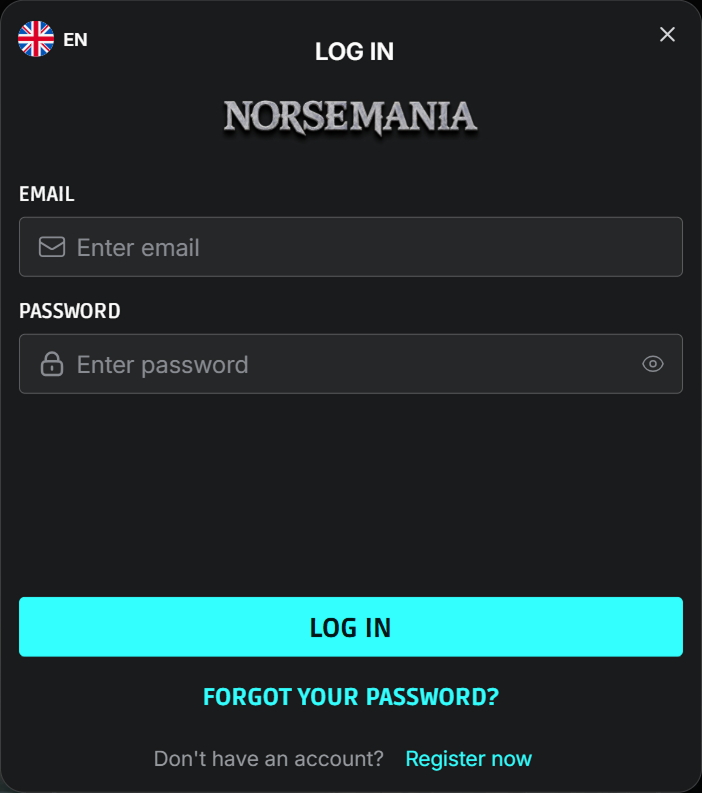
The Log in button is in the site header next to Register. You need the same email address and password to log in. Your balance, bet history and active promotions are stored on the server, so you see the same information on your phone and computer.
The account has no two-factor authentication. Login security depends on the strength of your password and the protection of your inbox, so we recommend enabling two-step verification on your email account.
Password Recovery
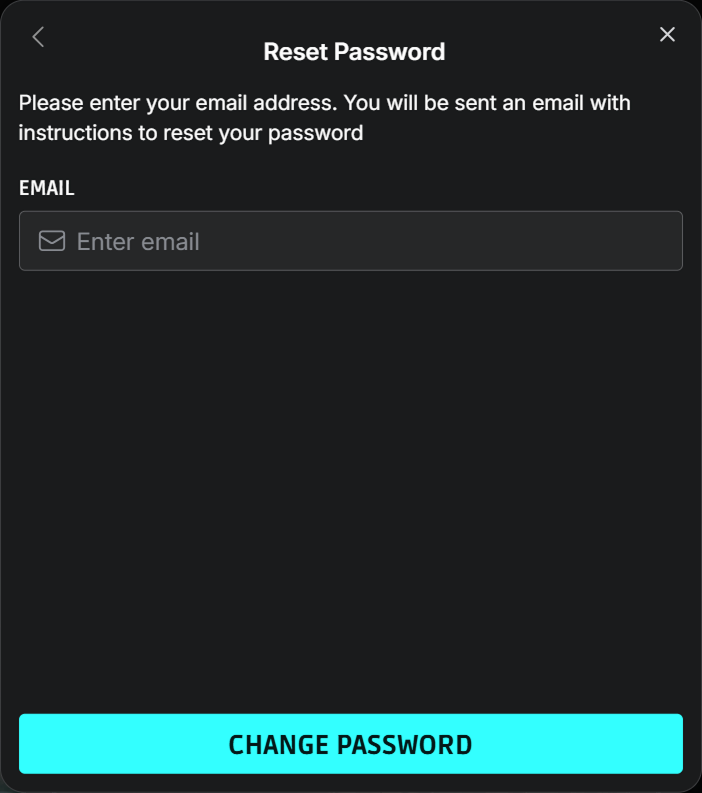
Your password can be reset only by email. Access cannot be restored via phone number or SMS.
- On the login page, choose the password recovery link.
- Enter the email address from your profile.
- Follow the link in the email.
- Set a new password.
If the email has not arrived, check the address and your spam folder. If you no longer have access to your inbox, contact live chat: support will ask you to confirm your identity and link a new address. This is fastest for those who have already completed document verification.
Changing Profile Details
Customers cannot change their name, email address, country or currency themselves, as support handles this. Requests with documents are best sent by email, and urgent questions are best asked in chat. If an unfamiliar session appears in your login history, change your password and inform support straight away.
Identity Verification
Verification is mandatory for everyone, and without it a withdrawal request is not processed. We recommend completing it immediately after registration rather than on the day of your first large payout.
- Document: passport, ID card or driving licence, a colour photo of both sides.
- Address: a utility bill or bank statement in your name.
- Payment method: a photo of the card with the middle digits of the number and the CVV covered.
- Selfie with your document: on separate request.
The terms allow documents to be requested again. The site also checks age, and the account of a user under 18 is closed.
First Payment and Choosing a Promotion
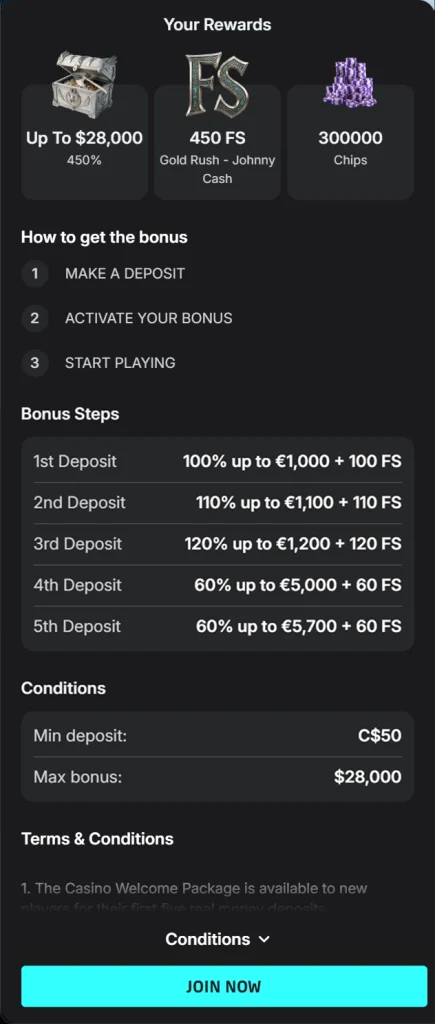
Once your account is activated, you need to decide which package to start with. The casino package opens from C$ 50, the crypto package from 30 USDT, the VIP package from C$ 400 and the sports free bet from C$ 50.
If you have a personal NorseMania Casino promo code, enter it on the promotions page via the Activate Promocode button before paying. Detailed package terms are in our promotions guide, and payment methods in our cashier guide.
Registering on a Phone
There is no separate app, so registration on a phone takes place in a mobile browser. The form and fields are the same, and the Join Now button on the bottom bar opens it with one tap.
Limits Before Your First Payment
Safer gambling tools are available from your first login. We recommend setting them up before your first payment.
| Tool | How it works |
|---|---|
| Deposit limit | daily, weekly or monthly |
| Transaction limit | caps the amount of a single payment |
| Stake limit | an increase takes effect after 24 hours |
| Cooling-off | a short break |
| Self-exclusion | temporary or indefinite, via support or email |
The site has a self-assessment test and links to GamCare, Gamblers Anonymous and Gambling Therapy. GamCare’s National Gambling Helpline is available 24/7 on 0808 8020 133.
Common Account Issues
The email is already in use. An account for this address already exists. There is no need to open a new one: reset the password.
The email has not arrived. Check your spam folder and the address you entered, then contact live chat.
The wrong currency or country was selected. Only support can fix this, ideally before your first payment.
The account is unavailable. A restriction or self-exclusion may have been set up previously. Only support can lift it.
The account has not been used for a long time. After 12 months without a login, the site may deduct €10 a month from a positive balance.